Return options show what action will be taken once a returned item has been received and processed.
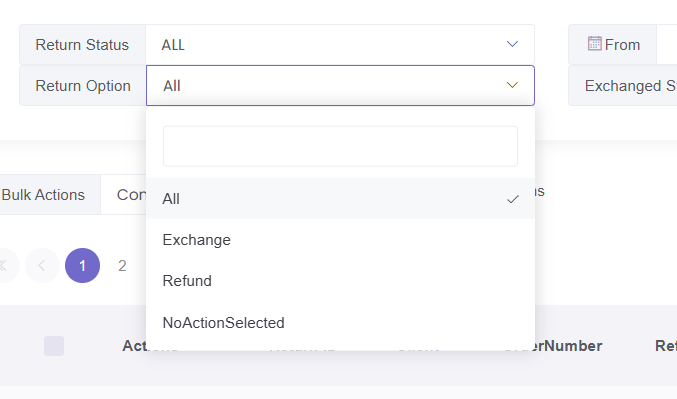
You can view return options by going to:
Returns → Overview
Return options
Exchange
The returned item will be replaced with another item.
Refund
The returned item will be refunded.
No Action Selected
No action has been chosen yet for the return.
Why return options matter
Return options determine what happens after a return is processed.
For example:
- If set to Exchange, a replacement item may be sent
- If set to Refund, the return will be completed with a refund
- If no option is selected, the return may not be completed until an action is chosen
What to do next
If a return shows No Action Selected, you may need to confirm what action should be taken.
If you are unsure, please contact support with the return reference.
Was this article helpful?
That’s Great!
Thank you for your feedback
Sorry! We couldn't be helpful
Thank you for your feedback
Feedback sent
We appreciate your effort and will try to fix the article