You can update product details in Mintsoft through the Products section.
How to update a product
- Go to Products → Overview
- Use the search bar to find the product by SKU or name
- Click on the Actions button
- Click Edit
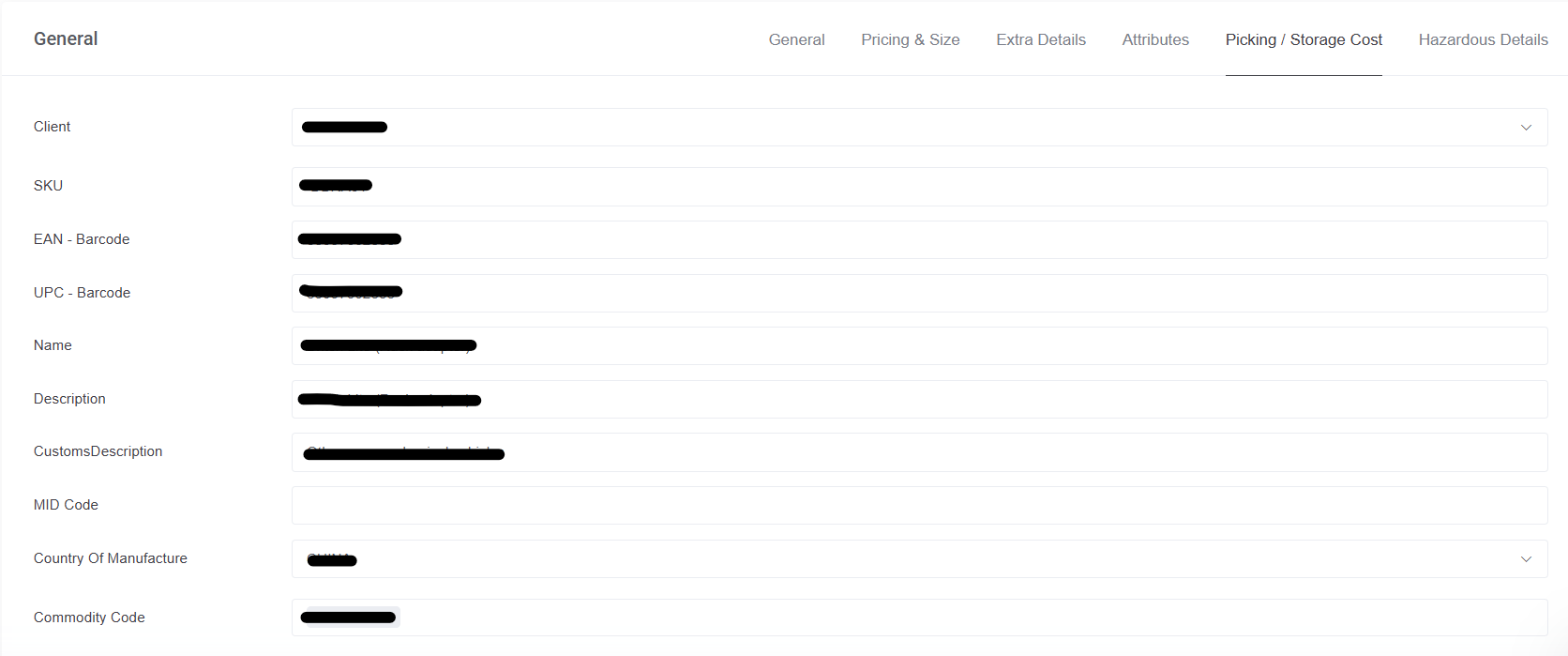
You will then be taken to the product details page.

What you can update
You can update details such as:
- Product name
- Description
- Dimensions and weight
- Barcode
- Product settings
Make sure any changes are accurate before saving.
Saving changes
Once you have made your updates:
- Click Save, at the bottom of the page
The changes will then be applied to the product.
Important
Updating product details may affect how orders are processed, especially if dimensions or weights are changed.
Was this article helpful?
That’s Great!
Thank you for your feedback
Sorry! We couldn't be helpful
Thank you for your feedback
Feedback sent
We appreciate your effort and will try to fix the article