You can check your inventory levels in Mintsoft through the Products section.
How to view inventory levels
Go to Products
Select Overview
You will see a list of your products along with their stock levels.
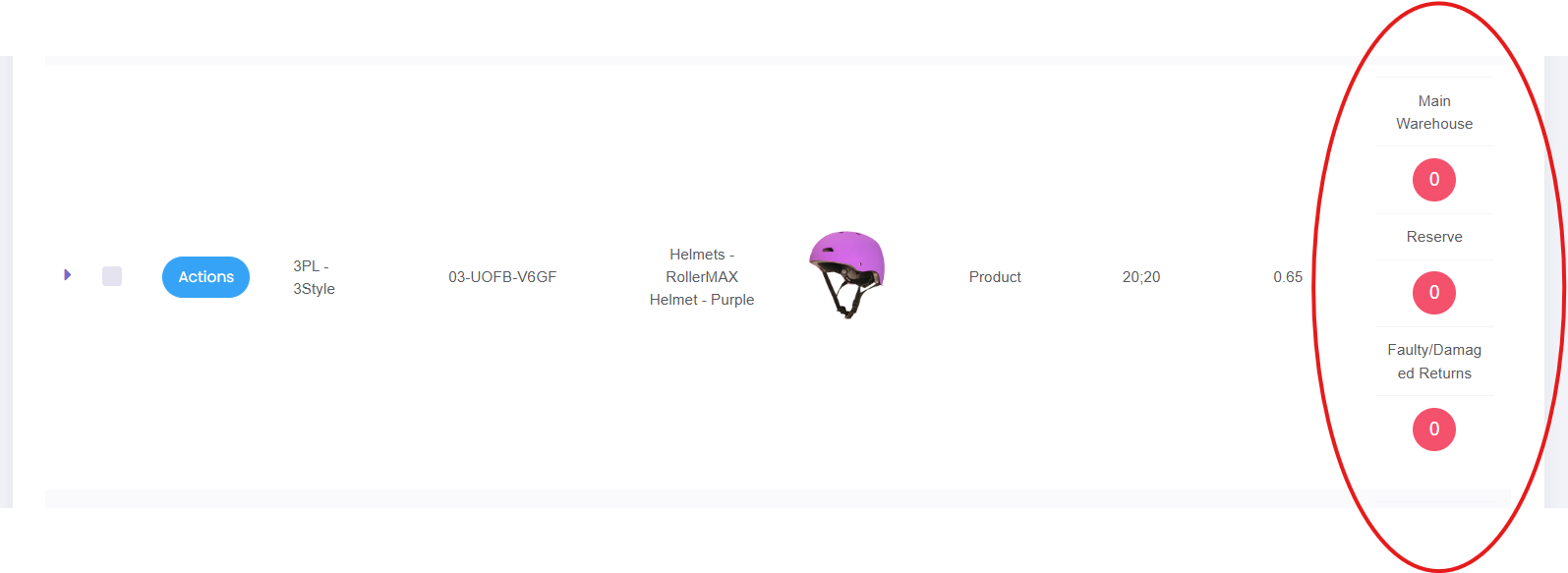
What you can see
For each product, you will be able to view:
Available stock
Reserved stock
Total stock
Warehouse location
This gives you a clear view of how much stock is ready to sell and how much is already allocated to orders.
Searching for a product
If you are looking for a specific item:
Use the search bar
Enter the SKU or product name
This will help you quickly locate the product and its stock levels.
What to check regularly
It is recommended to regularly review:
Low stock levels
Products with no available stock
Any unusual changes in stock
If stock looks incorrect
If your stock levels do not look right:
Check for recent orders or returns
Review any goods in activity
Contact support if the issue continues
Was this article helpful?
That’s Great!
Thank you for your feedback
Sorry! We couldn't be helpful
Thank you for your feedback
Feedback sent
We appreciate your effort and will try to fix the article