Backorders occur when an order cannot be fulfilled because stock is not currently available.
How to view backorders
To view backorders in Mintsoft:
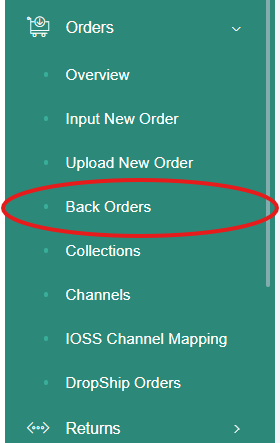
Go to Orders
In the left-hand menu, click Back Orders
This will show all orders that are currently on backorder.
What you can see in Back Orders
In the Back Orders section, you can see:
Which orders are on backorder
Which items are out of stock
Whether none or part of the order is available
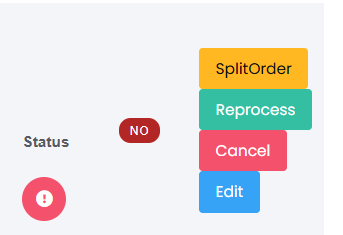
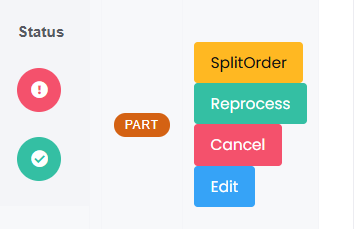
Orders may show as:
No – none of the items are currently in stock
Part – some items are in stock, but others are not
What you can do with backorders
Once an order is on backorder, you can:
Wait for stock to arrive so the order can be fulfilled
Split the order so in-stock items are despatched first
Review the order and decide next steps
If you want to split an order, you can follow the steps in the guide: How to split an order
What happens when stock arrives
Once stock becomes available:
The order will move out of backorder
It will continue through the normal fulfilment process
Was this article helpful?
That’s Great!
Thank you for your feedback
Sorry! We couldn't be helpful
Thank you for your feedback
Feedback sent
We appreciate your effort and will try to fix the article