You can split an order in Mintsoft when part of the order is in stock and part is not.
This allows available items to be despatched first, while the remaining items stay on backorder.
When to split an order
You may want to split an order when:
Some items are available and ready to ship
Other items are out of stock
You want to avoid delaying the full order
How to split an order
Go to Orders
In the left-hand menu, click Back Orders
Find the order you want to split
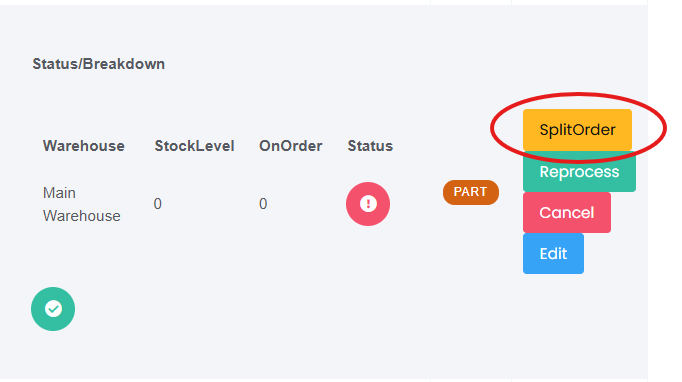
Click Split Order under Actions
What happens next
The available items will be processed and despatched
The remaining items will stay on backorder
The order will be split into separate shipments
Important
Once an order has been split, it cannot be reversed.
Make sure you are happy for the order to be sent in multiple shipments before proceeding.
Was this article helpful?
That’s Great!
Thank you for your feedback
Sorry! We couldn't be helpful
Thank you for your feedback
Feedback sent
We appreciate your effort and will try to fix the article